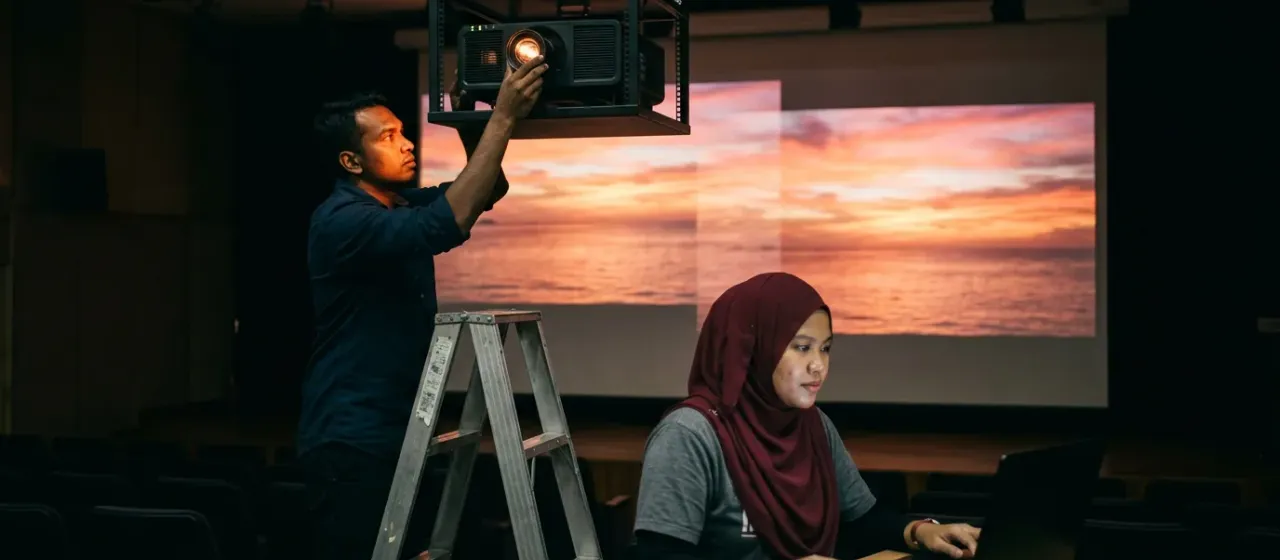
How does the Projection Blending Setup Guide work?
- Place the projectors so that their pictures overlap at the edge.
- Connect both projectors to the laptop.
- Show a test pattern on the wide screen.
- Adjust the position and edges until the join disappears.
- Check the result with your real content.
What space and power does the Projection Blending Setup Guide need?
| Play area | A wide screen and room for the overlapping projectors |
|---|---|
| Mounting height | Enough height to mount or place the projectors |
| Power | A power point for each projector and the laptop |
| Network | Not required |
Where is the Projection Blending Setup Guide used?
Shipping and installation
We ship worldwide from Malaysia. Warranty terms and installation support are confirmed in your quote.
Projection Blending Setup Guide: questions buyers ask
What does the Projection Blending Setup Guide cover?
The Projection Blending Setup Guide covers aligning overlapping projected images on a wide screen until they merge into one picture, for technicians doing the work.
Is the Projection Blending Setup Guide software?
No. The Projection Blending Setup Guide is guidance, not software; the blending itself is done in projection software. The format of the guide is confirmed in your quote.
Who can follow the Projection Blending Setup Guide?
A technician comfortable with projectors and a laptop can follow the Projection Blending Setup Guide. For difficult rooms, ask us about our edge blending software.
How dark must the room be for the Projection Blending Setup Guide?
Dark rooms make the join easier to see when you follow the Projection Blending Setup Guide. Adjust the overlap in low light, then check in event conditions.